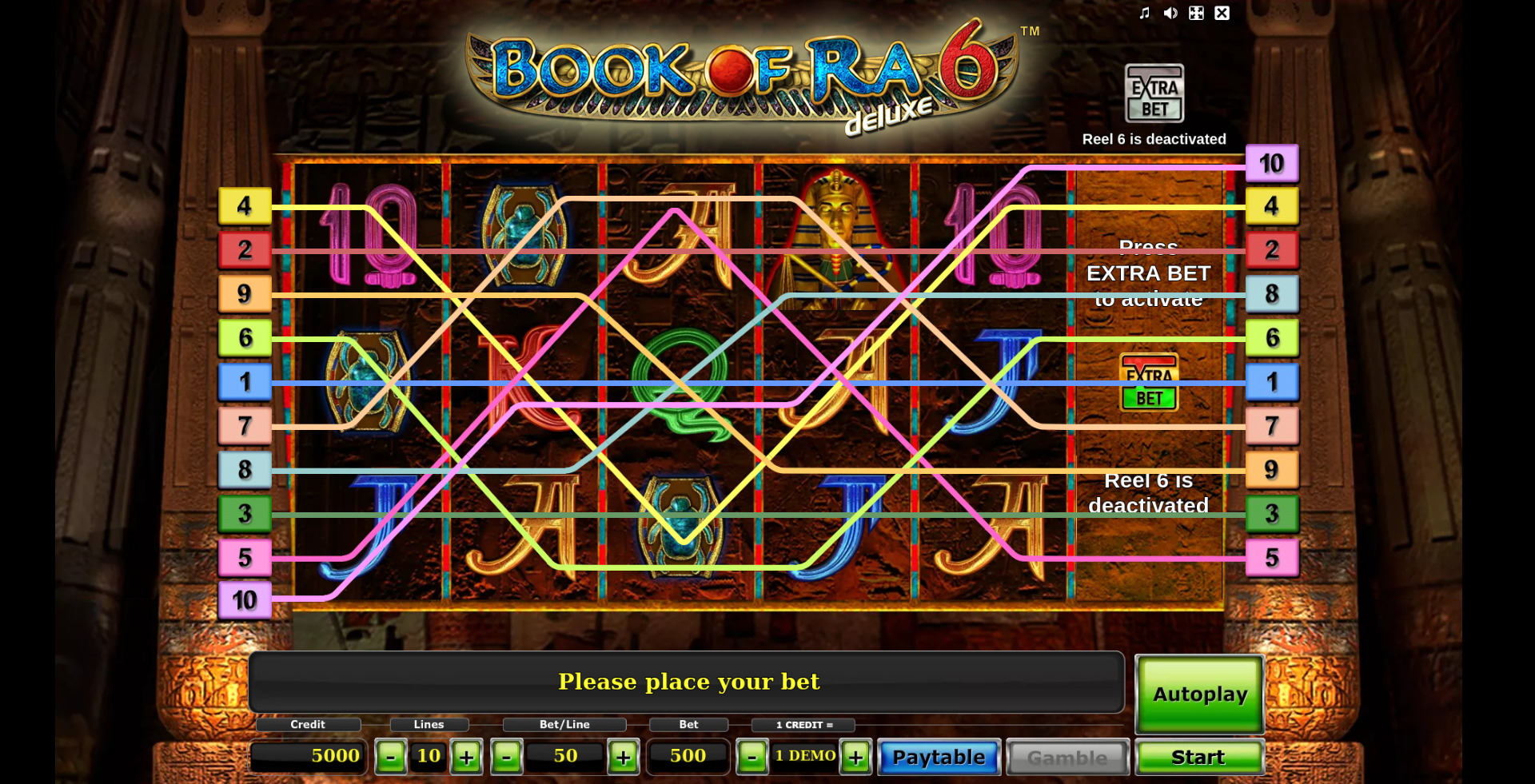
Book of Ra has a massive following here in the UK, but let’s be honest, we’re all playing on various gadgets these days https://bookof.eu.com/book-of-ra/. You might have a spin on your lunch break using your phone, then relax for a longer session on the laptop at home. So, does this legendary slot actually play well on all of them? We decided to stop wondering and start testing. Our team, based in the UK, ran Book of Ra through its paces on a whole range of devices—new iPhones, Android phones from top brands to older models, Windows laptops, and iPads. We played at several popular UK online casinos to get a true picture. We looked at how fast it loaded, how good it looked, if the touch controls were responsive, and whether it ever froze up. This is a straight-up report from the front lines, telling you exactly what happens when you launch the game on your own screen. We’ll reveal you what worked brilliantly, point out a few unexpected bits, and warn you about any issues we found. Whether you’re on the bus or your living room sofa, we want your next search for ancient treasure to be trouble-free sailing. Think of this as your guide to picking the right device for your game, so nothing gets in the way of the action.
A UK Testing Methodology for Book of Ra
We aimed our tests to count for players genuinely living in the UK, so we set some ground rules. We chose devices that you’re probably to own: an iPhone 13 and an iPad Air for iOS, a Samsung Galaxy S23 and a Google Pixel 7 for Android, plus a couple of Windows laptops (one gaming, one standard). Every test was conducted on UK internet, using normal home broadband and mobile data from major networks to replicate how you’d really play. We didn’t limit to one casino, either. We tested Book of Ra on three different UK-licensed sites to check if performance differed. On each device, we performed at least 100 spins per casino, measuring how long it required to load, watching for lag during spins or bonus games, verifying how accurate the taps and clicks were, and judging the visual quality. We also recorded of simple things, like how easy it was to find the bet settings or game rules. This was not about technical jargon from a benchmark test. It was about getting comfortable and playing, observing what felt good, what felt slow, and what just performed. We strived for the kind of practical advice you’d give a friend.
Efficiency on iOS: Apple Phone and iPad Insights
Running Book of Ra on Apple devices felt fluid and reliable. On the iPhone 13 and iPad Air, the game started in a blink, regardless of we utilized a casino app or the Safari browser. Pressing the spin button or changing our bet was quick, with no irritating delay. The graphics, though retro in style, appeared sharp and lively on the screens. The golden scarabs and the explorer character transitioned seamlessly. When we initiated the free spins bonus, the animations kept up flawlessly without a single stutter. One big advantage for iOS was stability. The game performed the same way across all the different casino apps we tested, which tells us it’s been well-optimised for iPhones and iPads. The only small issue was on the smaller iPhone screen, where the row of control buttons at the bottom appeared a little tight together. It was still entirely functional, just a bit snug. On the iPad, though, the game truly excelled. The bigger screen rendered it more captivating without stretching the layout, creating it ideal for a longer session. We also noticed the game was gentle on the battery, so you can engage for a good while without searching for a charger.
Android Phone Analysis: Across All Tiers
Android is a diverse ecosystem because there are so many distinct phones out there. Our results showed that. On top-tier, modern phones like the Galaxy S23 and Pixel 7, Book of Ra was superb. It launched swiftly, reacted to every tap, and worked without a hitch. The display was vibrant on those vivid AMOLED displays. Things shifted when we transitioned to a two-year-old phone. The game was slightly slower to load up. More apparently, during busy spin animations—especially when symbols expanded—the action sometimes stuttered for a brief moment. It didn’t spoil the experience, but you could spot it if you were paying attention. This demonstrates that the phone’s processing power still matters. We also observed a bit more difference between playing in a mobile browser versus a specialized casino app on Android relative to iOS. So, what’s the recommendation for UK Android users? If your phone is fairly new, you’re in for a great time. If you’re using an older model, you might get a more fluid experience by playing directly in your phone’s web browser instead of a heavy casino app, and it always helps to close any other apps you have open in the background.
PC and Laptop Experience: Windows Deep Dive
Enjoying Book of Ra on a computer or notebook is a different kind of experience, and a very good one. On our Windows gaming laptop, the game launched in Chrome almost before we pressed. Every animation was perfectly smooth. The wider screen lets you appreciate the game’s atmosphere more, and using a mouse gives a pleasing sense of control—clicking that spin button has a good, distinct feel to it. We didn’t run into any technical problems at all. Even on a standard business laptop without a powerful graphics card, the game ran perfectly well, proving it doesn’t require powerful hardware. The real benefit of playing on a computer is the convenience for longer sessions. You can run the game in one window and a notepad, strategy guide, or your bank statement in another, no problem. For UK players who like to settle in for a proper session, or who recall playing slots in arcades, the desktop version is a reliable choice. It’s the most stable platform we evaluated, and you never have to worry about your battery dying or a phone call interrupting your bonus round short.
Key Performance Metrics Compared On Different Devices
Beyond the subjective feel, we measured a few key things that influence your session: load time, touch latency, and consistency. Loading speed, from opening the app to the game loading, was quickest on computers and up-to-date Apple devices (under 3 seconds). New Android flagships were just behind (3-4 seconds), while older Android phones required up to 7 seconds. Response lag—the interval between your tap and the game responding—was practically absent on PC, iOS, and new Android phones. On the mid-range Android, we sensed a tiny, nearly invisible pause now and then. As for consistency, the game only froze once, on that older Android phone during a very long session. For everyone else, it was impeccable. The lesson for UK players is simple. The capability of your device directly affects these fundamentals. Book of Ra isn’t a demanding game, but using a good, fairly recent device means you focus on playing, not waiting. These aspects are the basis of a smooth session, whether you’re just passing time or hunting for the explorer’s treasure.
Playing experience and Graphical Quality on Smaller Screens
Adapting a classic slot onto a tiny phone screen is challenging, but Book of Ra handles it admirably. On screens smaller than 6 inches, the game features a modified mobile layout. The control panel is often streamlined or relocated, but the main reels remain visible and all the symbols are simple to recognise. Some of the more detailed artwork, like the elaborate patterns on the Book scatter symbol, can become slightly less sharp. The actual gameplay remains unaffected; every feature is there and works. The buttons for ‘Spin’ and ‘Max Bet’ are a proper size, so you’re rarely going to press the wrong one by accident. The main visual compromise comes in the bonus round. The full-screen animation of the explorer opening the book is less impressive on a small display—it’s just less spectacular. That said, the function is fully intact. For UK players who like to play whenever they find a moment, the small-screen version works perfectly. It’s the full Book of Ra experience, scaled down to be pocket-sized. Even the sound effects remain impactful through a phone speaker.
Power Consumption and Temperature Influence While Gaming
For mobile players, a major issue is how much juice a game drinks and whether it makes your phone hot. We conducted one-hour play sessions on each device to verify. On the iPhone 13, the battery dropped by about 12-15% per hour, and the phone did not heat up. The iPad Air was even more efficient, draining only 8-10% of its large battery. Current Android flagships like the Galaxy S23 showed comparable results, dropping 14-18% per hour. The older-generation mid-range Android phone had a different outcome. It drained 22-25% of its battery in an hour, and the phone’s back got hot to the touch after about half an hour of uninterrupted gaming. That heat likely explains the slight performance stutters we noticed, as the phone reduces its speed to cool off. Desktop users don’t need to think about this at all. What does this signify for UK players?
- Tablets (iOS/Android): The top pick for a long session. Battery concerns are minimal.
- Modern Smartphones: Good for a substantial play period, but you’ll want to recharge if you plan to play for hours on end.
- Older/Entry-Level Phones: Expect the battery to drop fast and for the device to heat up. Keep your sessions short.
UI and Browsing: Mobile vs Desktop
The way to control Book of Ra adjusts smartly across your phone and your computer, and every offers its advantages. On mobile, it is optimized for your fingers. To change your bet or view the paytable, you often tap a menu icon (often the classic “hamburger” three lines) or a button that pops up over the game. This preserves the main screen clean, but it involves an extra tap to adjust things. We noted this system intuitive on every phone we used. On desktop, the interface offers a more expansive view. All the betting options, autoplay controls, and game rules are displayed in panels right next to the reels. You can adjust anything with a single click, no menus necessary. This design suits a more strategic style of play. One clear discovery was that the ‘Paytable’ screen, where you find out what each symbol is worth, is much easier to read on a desktop browser. On a phone, you usually have to swipe through that information. Your device choice alters the flow of your game.
- Mobile UI Pros: Uncluttered, touch-optimized, functions in portrait or landscape, simple main screen.
- Mobile UI Cons: Settings are often hidden in menus, game rules text may be small.
- Desktop UI Pros: All controls are visible at once, more straightforward to manage your bet, game info appears clearer.
- Desktop UI Cons: Can seem less dynamic, not really designed for touch (unless you have a touchscreen laptop).
Network performance and Reliability on UK Mobile Networks
A slot game isn’t solely dependent on your phone; it requires a good signal, too. We tried out Book of Ra on major UK networks like EE, O2, and Vodafone, using both 4G and 5G. On a 5G connection, it was just as good as Wi-Fi: instant loading, no lag, perfectly stable. On a standard 4G connection, performance was still strong most of the time. Load times reached 5-8 seconds, but once the game was running, it was smooth. We encountered a couple of brief “reconnecting” pauses mid-spin when the 4G signal fell to one bar, like on a train moving through a patchy area. That’s a risk for commuters. The game’s auto-save feature performed admirably when this happened, so we kept money or bonus round progress. Our practical tip for UK mobile players is to verify your signal strength before you start, especially if you’re about to go into a bonus round. If you can use 5G or a trusted Wi-Fi network, you’ll eliminate this worry completely. Reflect on where you usually play when weighing up using your phone or waiting until you’re at your desktop.
Ultimate Recommendations aimed at UK Players
After all this testing within the UK, here’s our straightforward advice on which version of Book of Ra on. Your ideal choice really depends on your top priority: ease of use, atmosphere, or unwavering stability. If you desire the ultimate experience with total freedom, go for a modern iPad or a desktop computer (Windows or Mac). These offer you excellent performance, a superior view of the game, and the most natural controls for each setup. If you mostly play on the move, a recent iPhone or a premium Android phone is a solid pick, delivering desktop-like reliability from your pocket. We’d advise steering clear of older or budget Android phones for anything beyond a quick, casual spin. On these devices, the subtle performance dips, faster battery drain, and device warmth can add up and spoil the fun. The game is finely tuned, but it can’t perform miracles on extremely constrained hardware.
- For Total Reliability & Long Sessions: Use a desktop or laptop. It’s the best for stability, and the interface is excellent for focused play.
- For Optimal Mobile Immersion: Select a recent tablet (iPad or Android). You achieve the finest balance of a big screen and portability.
- For Mobile Convenience: Use a smartphone that’s less than three years old and confirm you have strong 4G/5G or Wi-Fi to sidestep connection drops.
Ultimately, Book of Ra’s timeless design and solid engineering mean it’s fun on virtually any device you’ll encounter in the UK. By selecting the proper tool for your preferred play style, you can make sure your quest for ancient gold is as fluid as the reels spinning. Just keep battery life and signal strength in mind if you’re on a mobile, because these things matter as much as your device’s processor. Our tests reveal that with a bit of thought, you can enjoy this classic slot just how it was designed to be played, whichever what screen is in front of you.